Login to Vietnix Cloud Console
Step 1: Login to Vietnix Cloud Console
After registering for Vietnix Enterprise Cloud service, you will receive an email containing your login credentials:
- Username
- Password
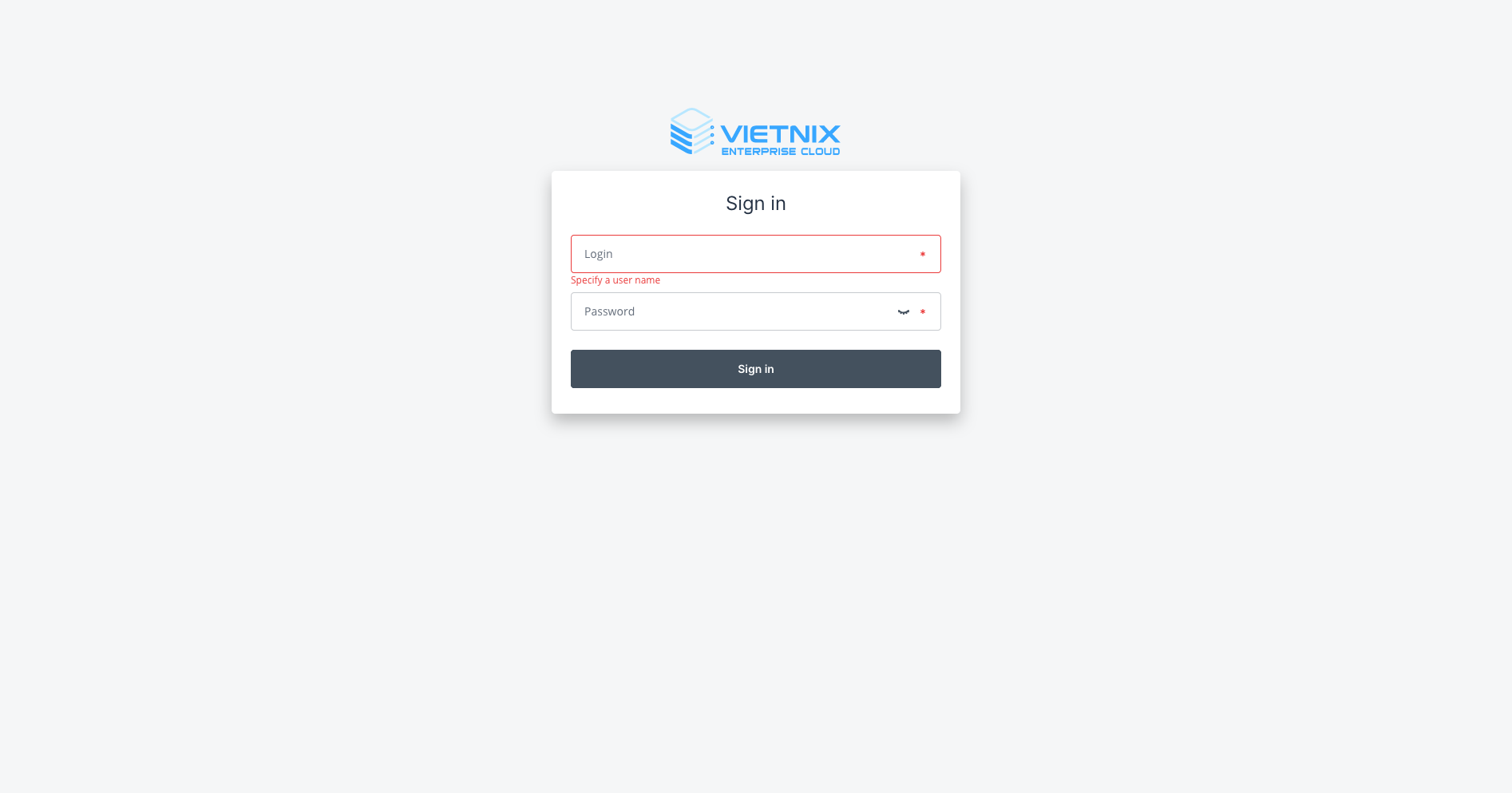
Go to Vietnix Cloud Console and log in using the credentials received via email.
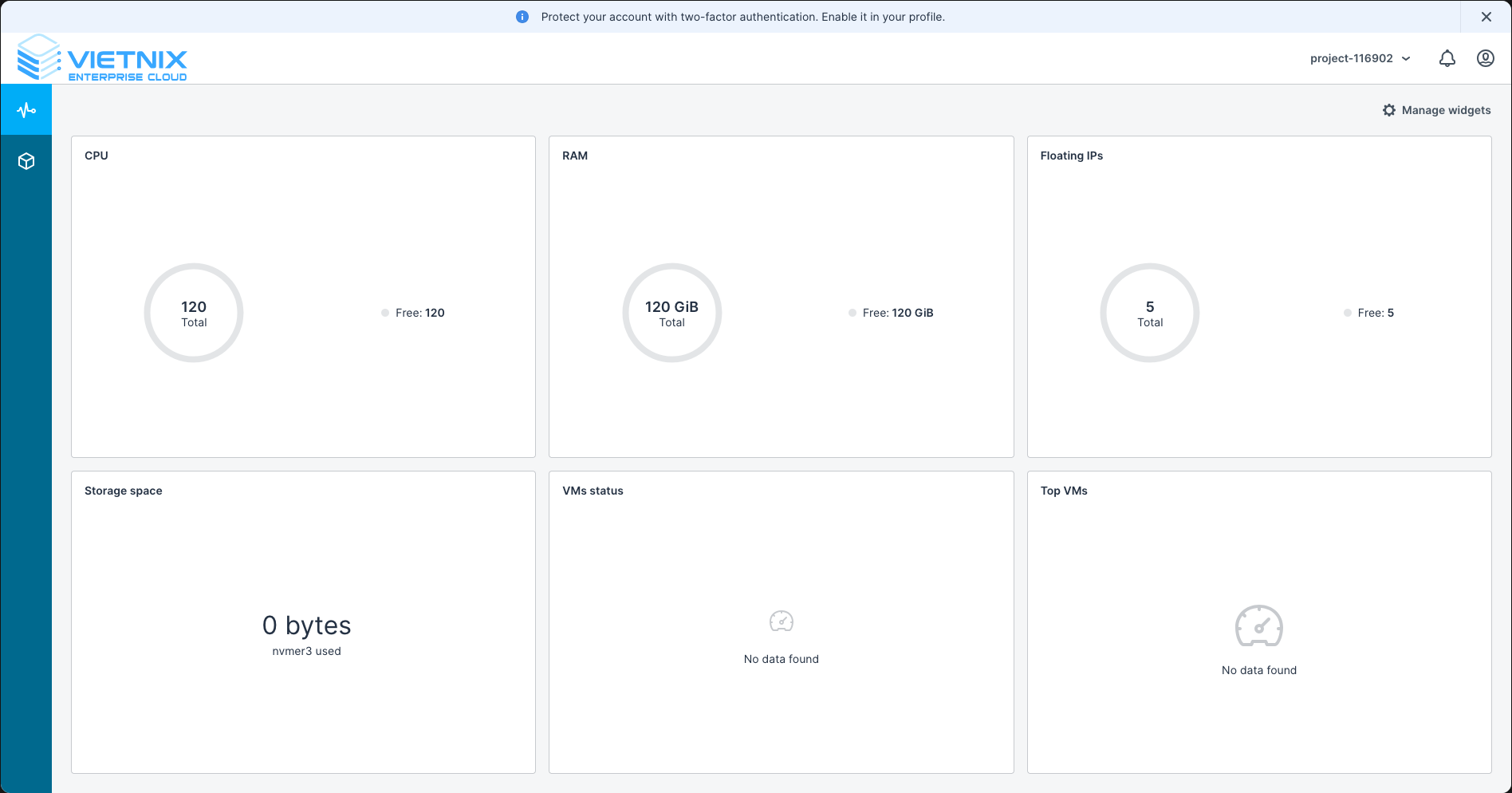
After a successful login, you will be taken to the dashboard.
Step 2: Enable Two-Factor Authentication (2FA)
After logging in to the Vietnix Cloud Console for the first time, it is highly recommended to enable Two-Factor Authentication (2FA) to enhance the security of your account.
If you do not enable 2FA, you will have notification reminders to set it up every time you log in.
-
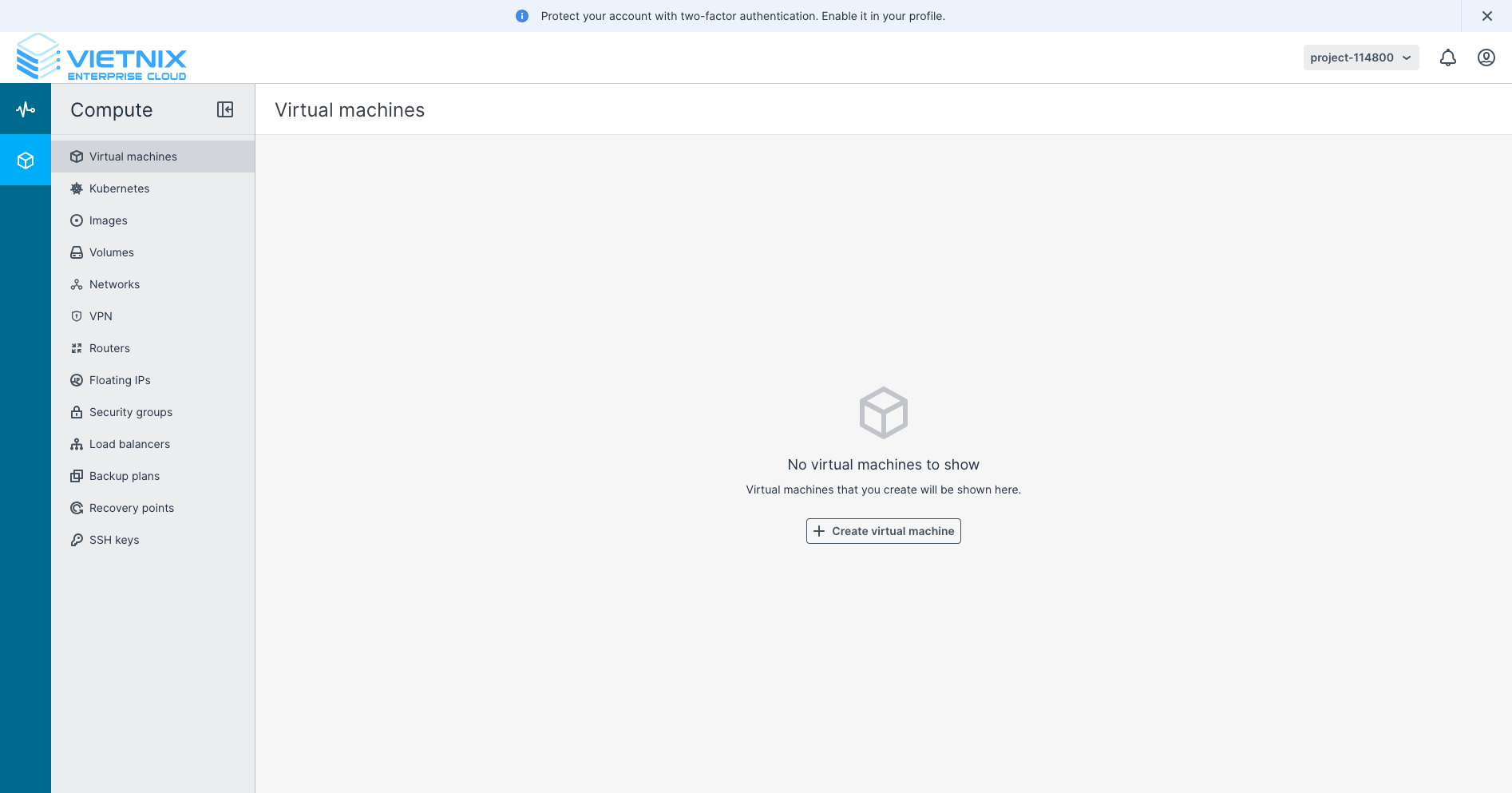
Click the user icon in the top-right corner to open the account panel and select Configure 2FA.
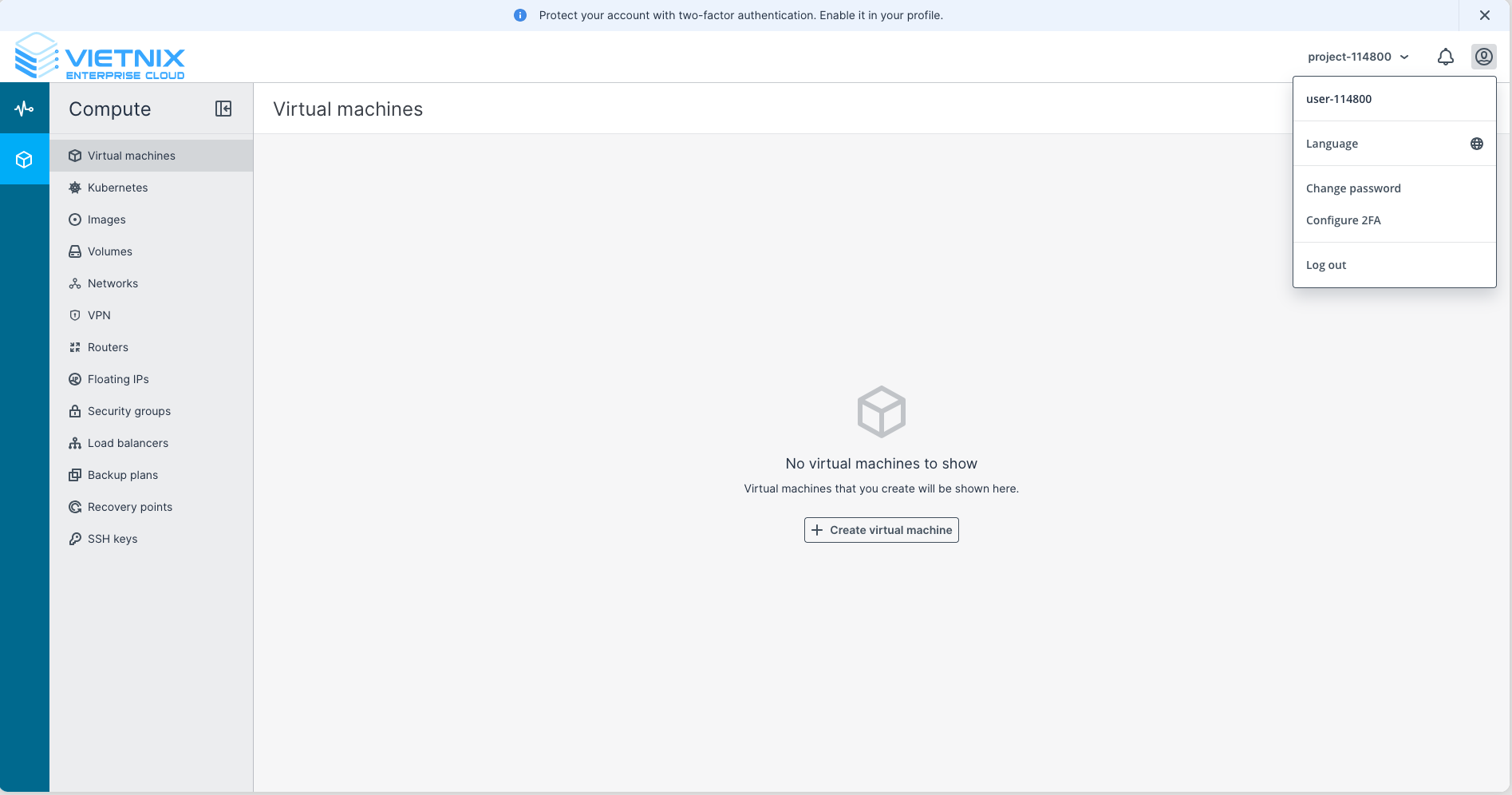
-
Use an authenticator app (such as Google Authenticator, Authy, etc.) to scan the QR code displayed on the screen.
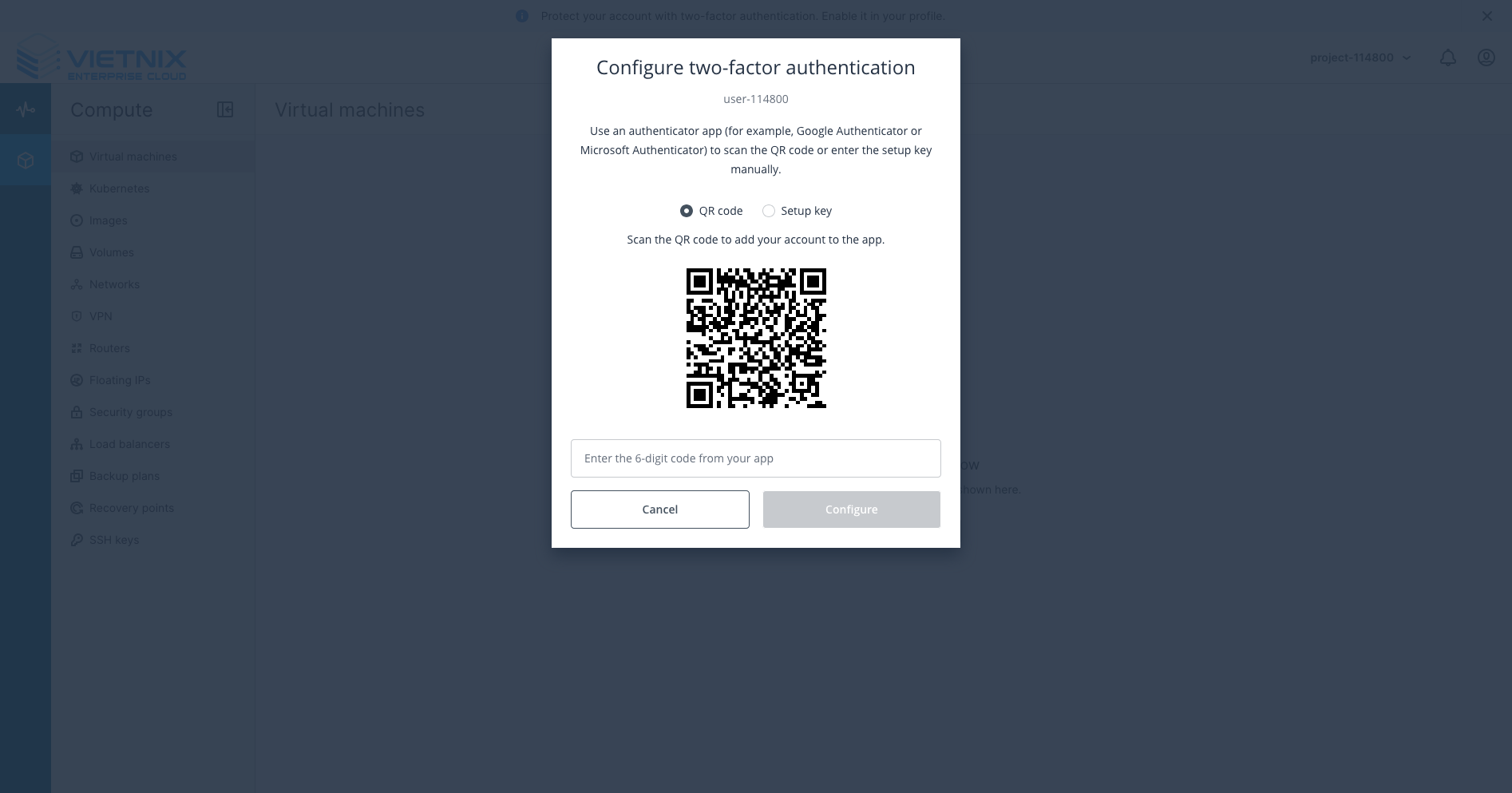
-
Enter the 6-digit code generated by your authenticator app into the provided field and click Configure.
Now, your account is secured with Two-Factor Authentication. You will be prompted to enter a 2FA code each time you log in to the Vietnix Cloud Console.
For more options and ways to manage 2FA, please refer to: Two-Factor Authentication (2FA)
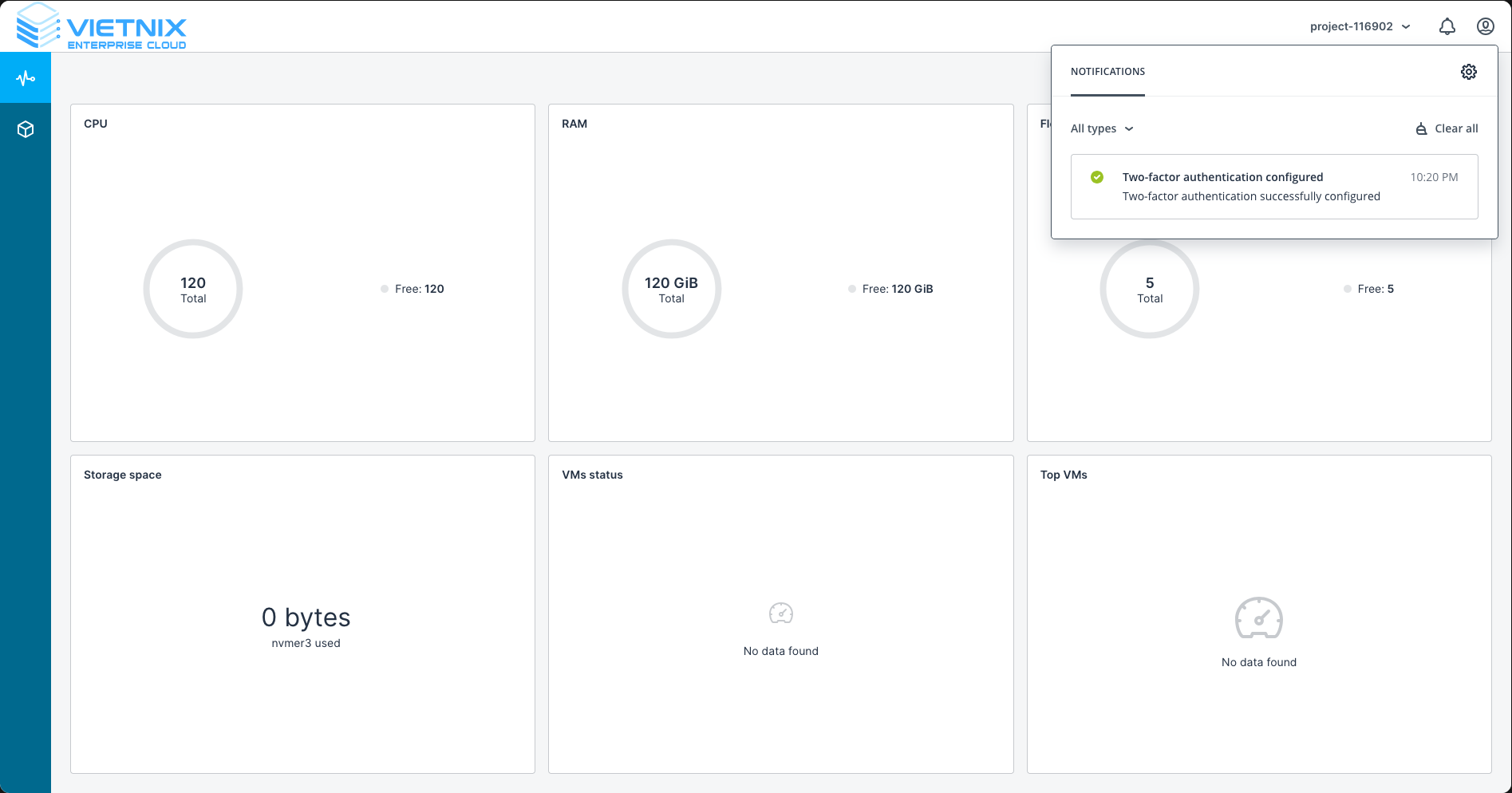
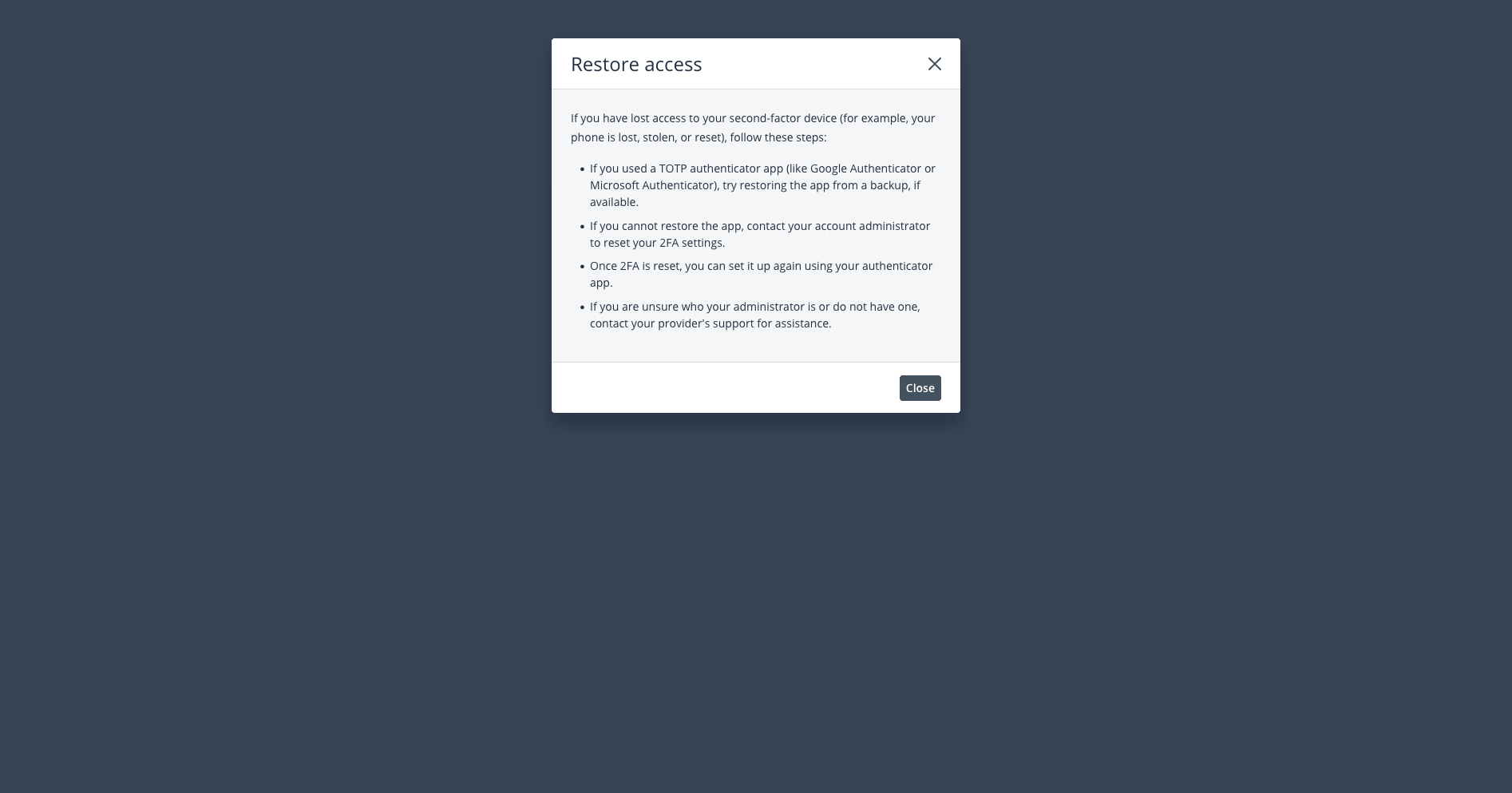
Enabling 2FA significantly enhances the security of your account by requiring a second form of verification during login. If you lose access to your authenticator app, you may need to contact Vietnix Support to regain access to your account.
Step 3: Change Your Password
After logging in, you should change your password to secure your account more effectively. Follow these steps to change your password:
- Click the user icon in the top-right corner.
- Select Change Password.
- Enter your current password and new password.
- Click Save to apply the changes.
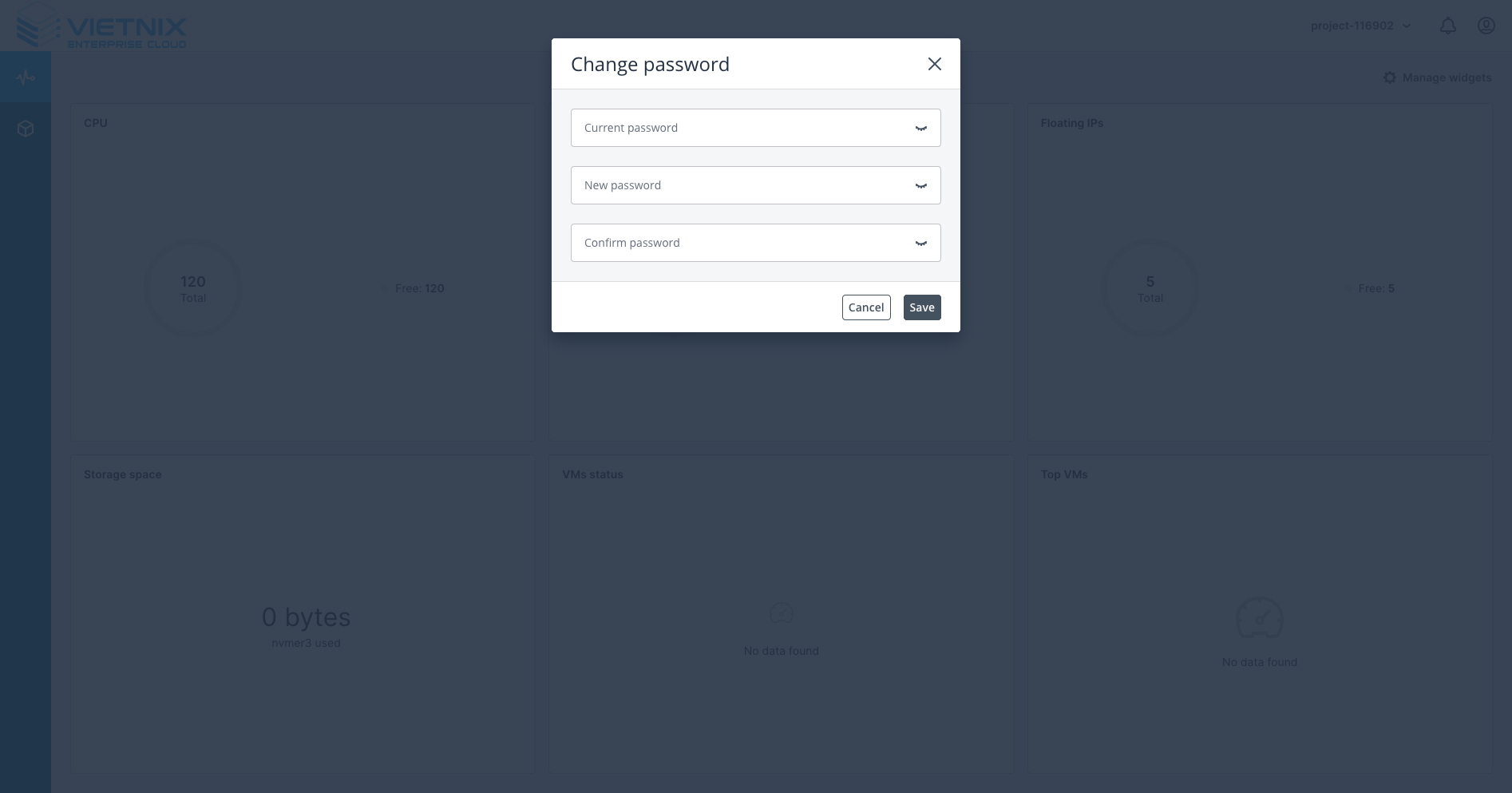
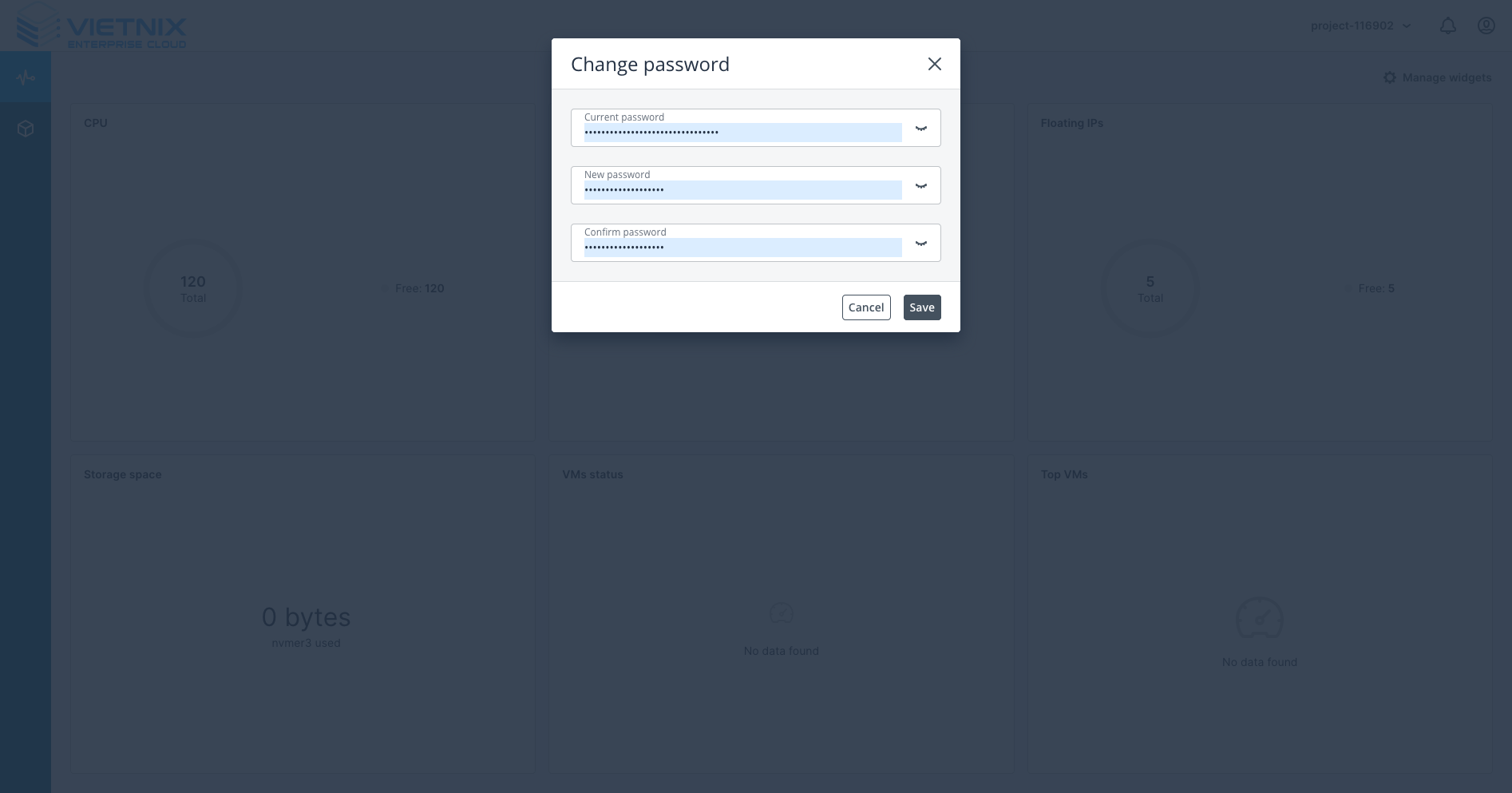
Your password should be at least 8 characters long, including uppercase, lowercase, numbers, and special characters.
For any issues or support, please contact Vietnix Support.
Next Steps
Now that you have access to your Vietnix Cloud account, you can proceed to First Setup to begin using the services.