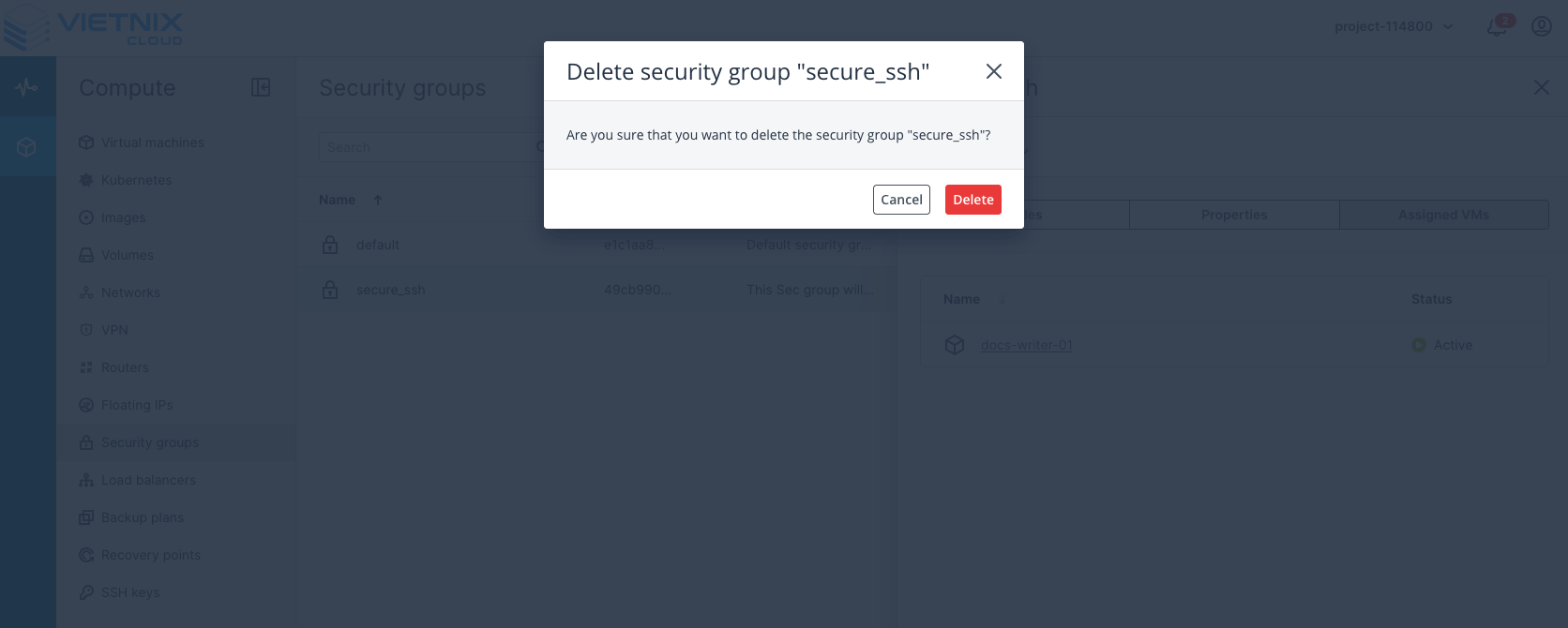
Security Group Actions
Before You Start
Before you begin managing Security Groups in Vietnix Cloud, ensure you have the following prerequisites:
- An active Vietnix Cloud account with appropriate permissions to manage Security Groups.
- Familiarity with basic networking concepts, including IP addresses, ports, and protocols.
- Access to the Vietnix Cloud Management Console or API.
Common Security Group Actions
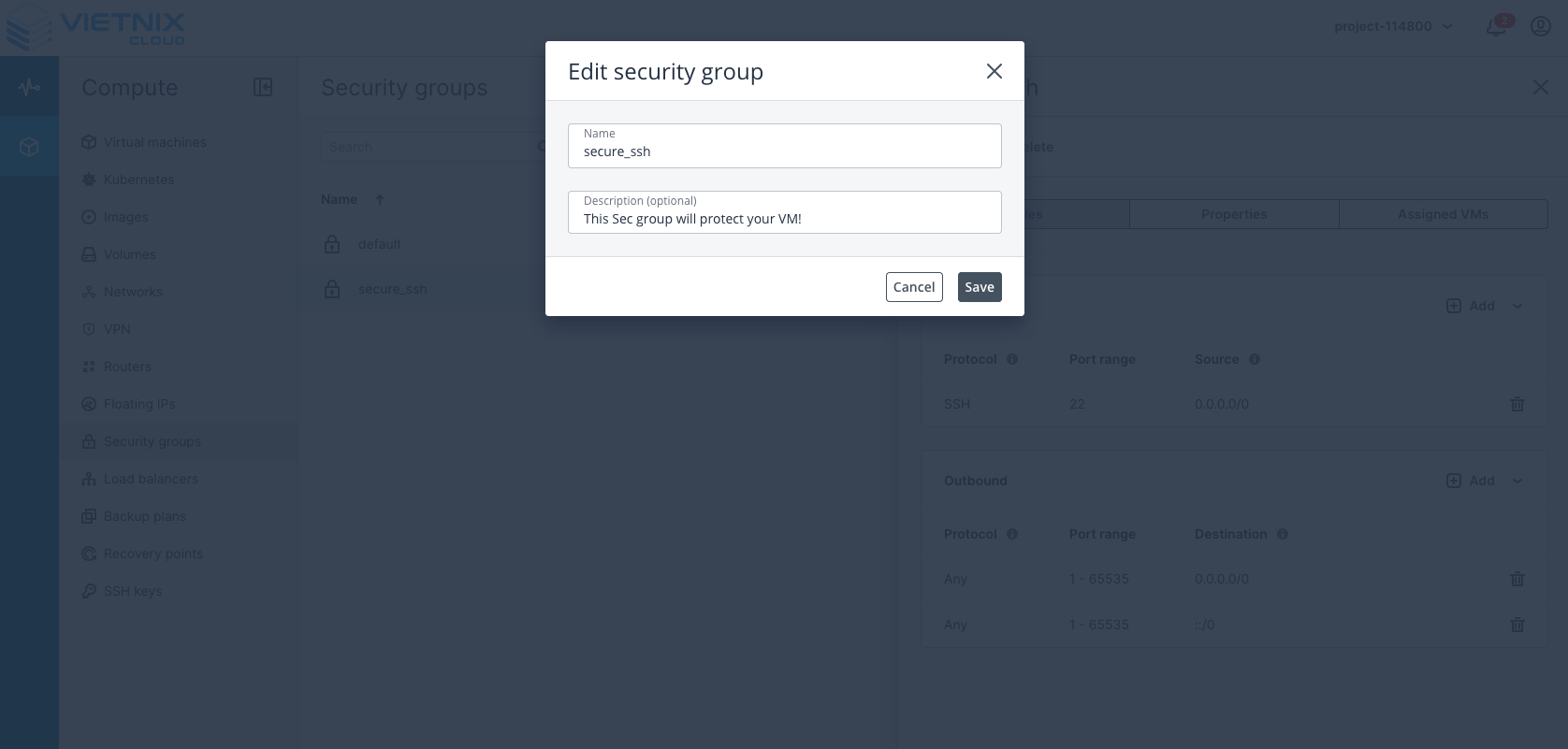
1. Edit a Security Group
This action allows you to modify the name, description of an existing Security Group.
2. Check Associated Resources
This action allows you to view all resources (e.g., Virtual Machines, Load Balancers) that are currently associated with a specific Security Group.
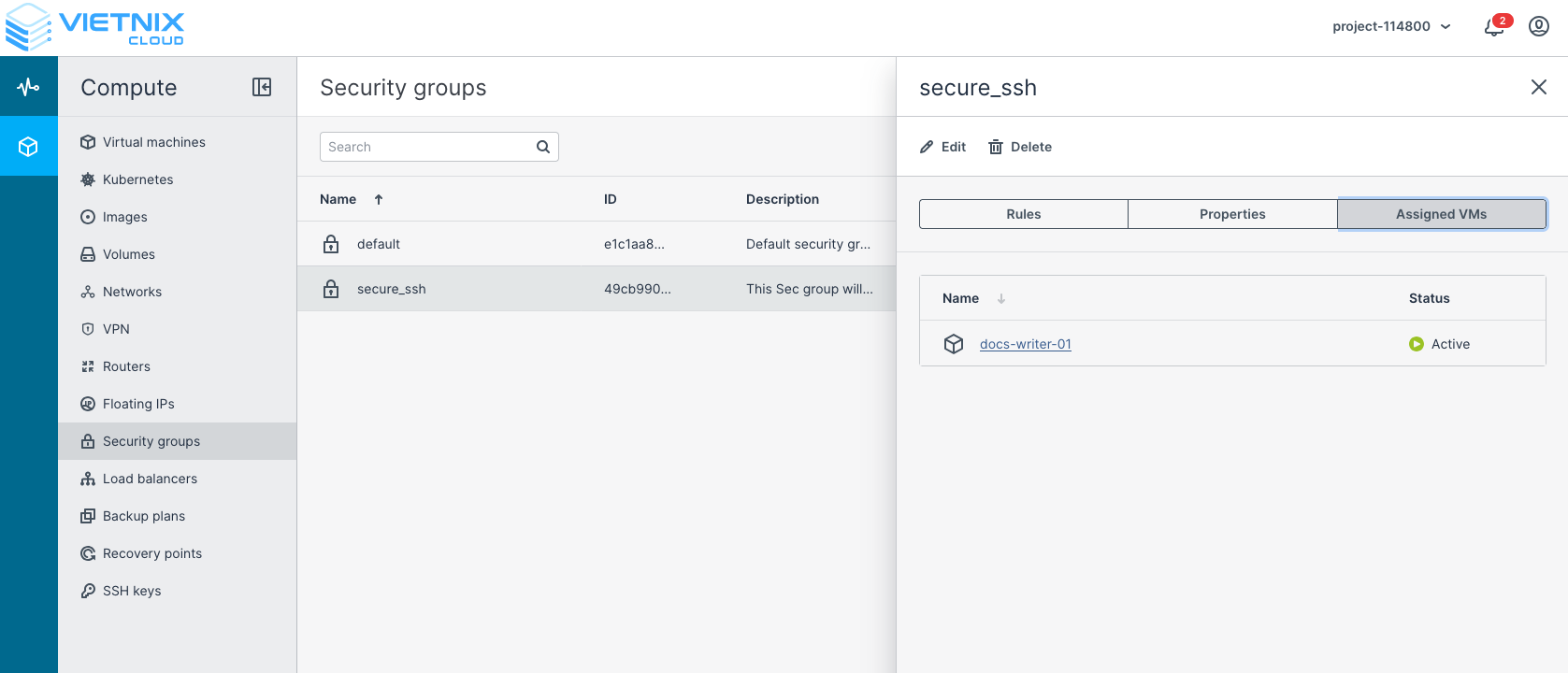
3. Delete a Security Group
This action allows you to remove an existing Security Group.
warning
Note that you cannot delete a Security Group that is currently associated with any resources.