Backup Plans
This guide will help you create backup plans in Vietnix Cloud.
Backup Plans
You can also create a backup plan to automate the backup process. A backup plan allows you to schedule regular backups for your volumes.
- Navigate to Compute > Backup Plans
- Click on the Create Backup Plan button
- Fill in the backup plan details:
- Name: Enter a name for the backup plan
- Description: Enter a description for the backup plan (optional)
- Volumes: Select the volumes you want to include in the backup plan by clicking the Manage button
 Tip
TipYou can select multiple volumes to include in the backup plan.
- Schedule: Set the schedule for the backup plan
- Backup Schedule: Choose your backup schedule
 Schedule
In Vietnix Cloud, We have 3 options for backup schedule:
- Retention 7 days: Backups will be created every day and will keep 7 backups.
- Retention 14 days: Backups will be created every day and will keep 14 backups.
- Custom: You can specify a custom schedule (Month, Day, Hour, And Numbers of Backups).
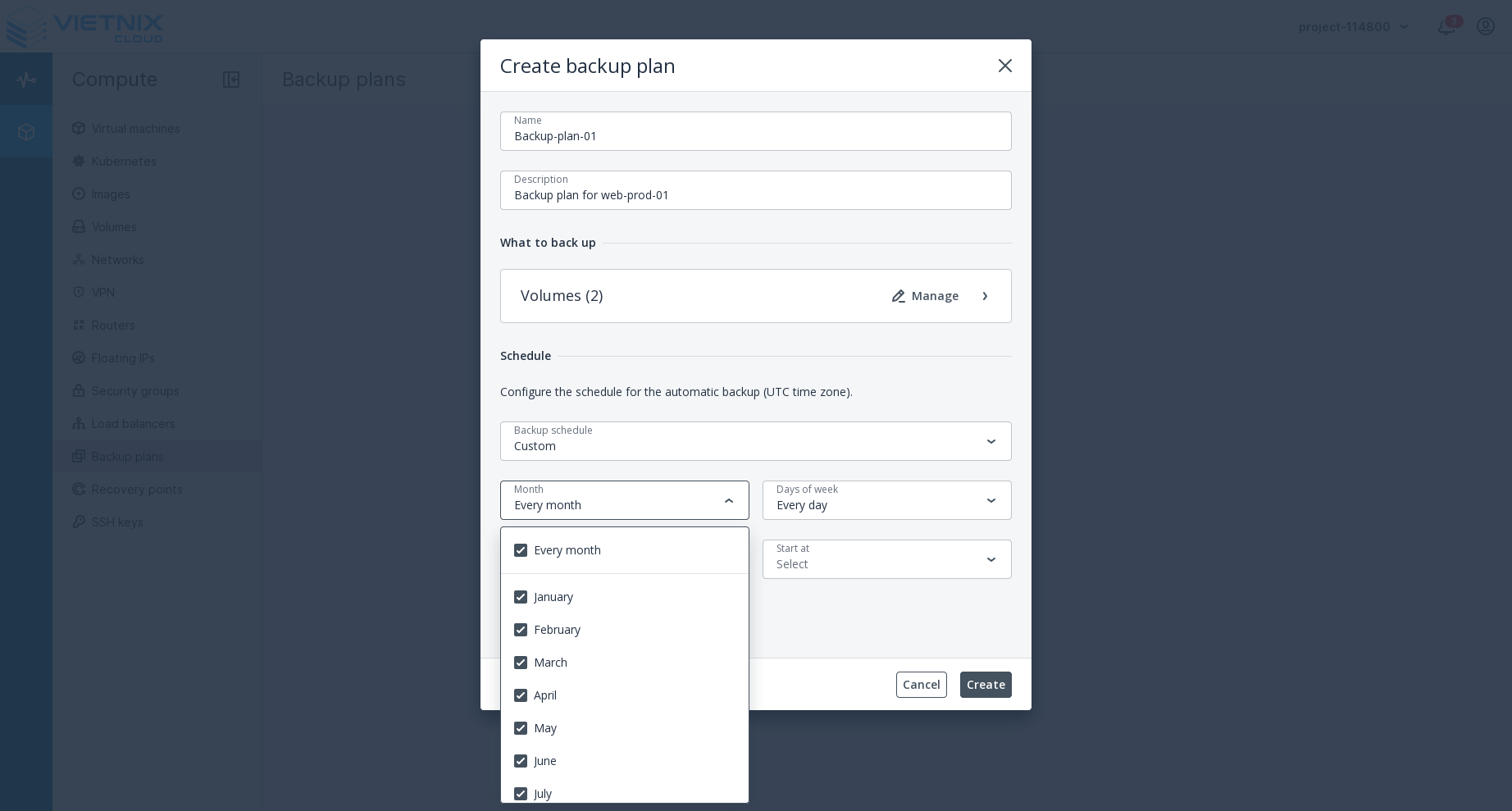
- Month: Select the months you want the backup to run
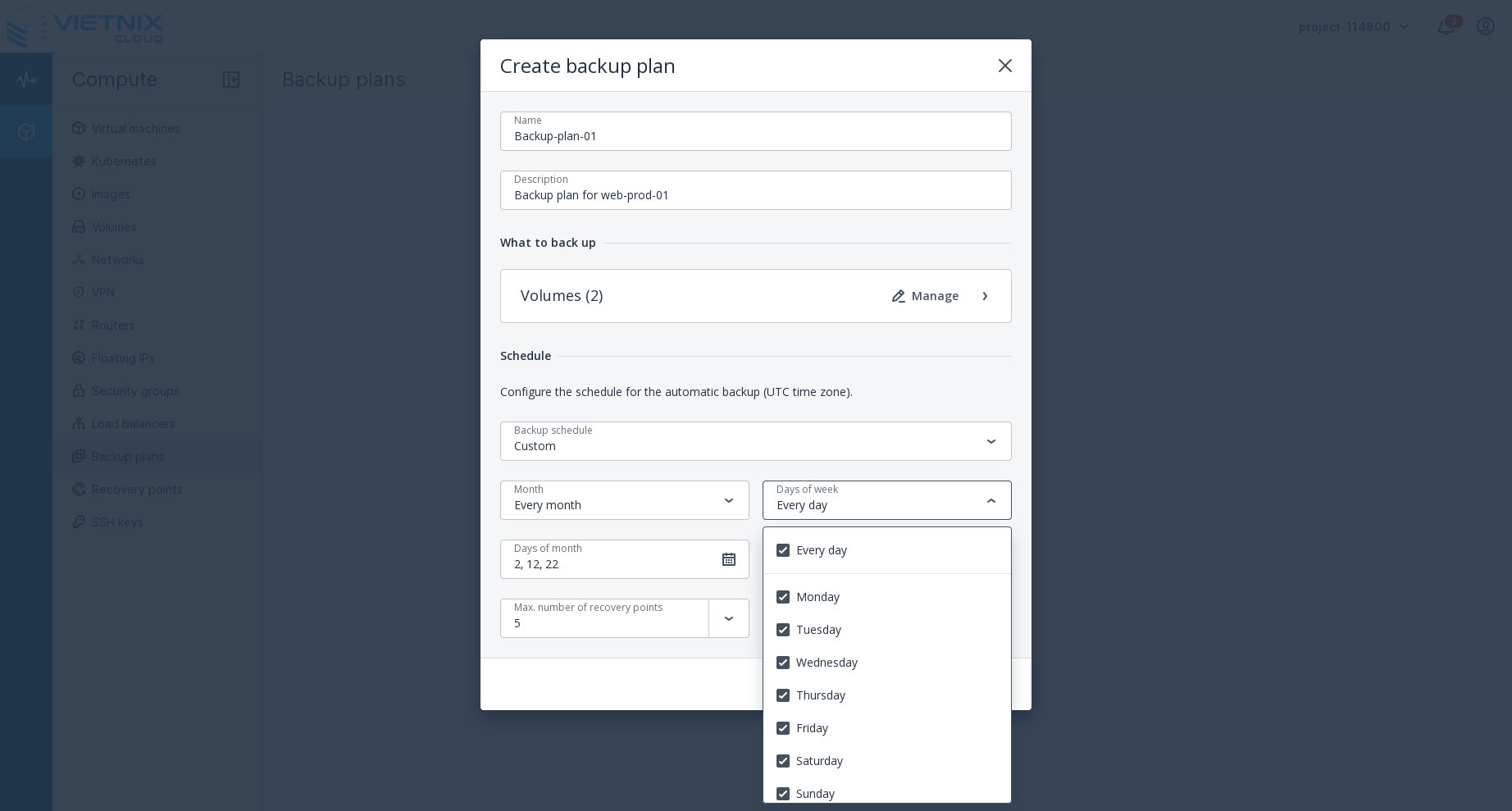
- Days of Weeks: Select the days you want the backup to run
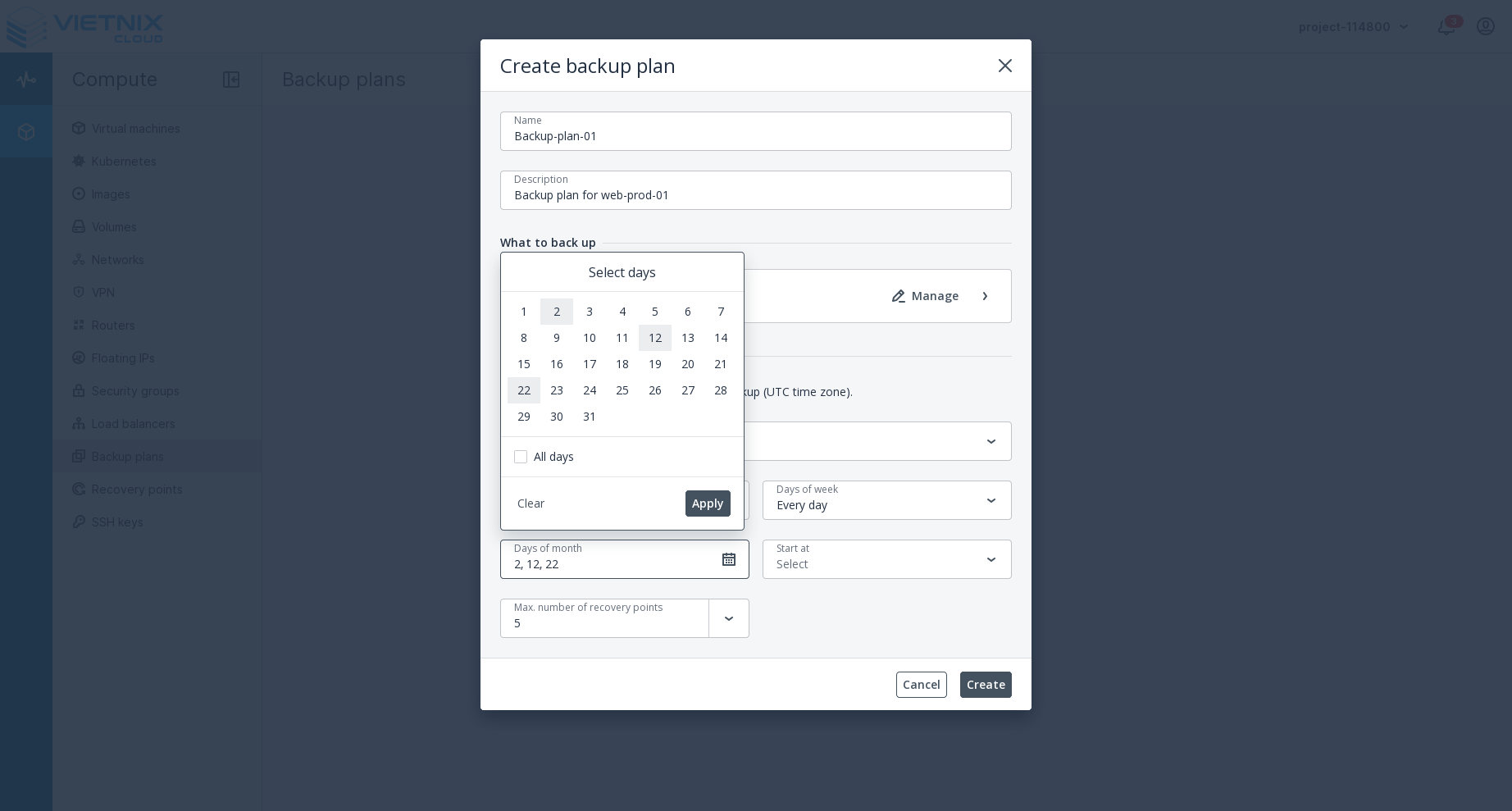
- Days of Month: Select the days of the month you want the backup to run
- Start At: Select the hour you want the backup to run
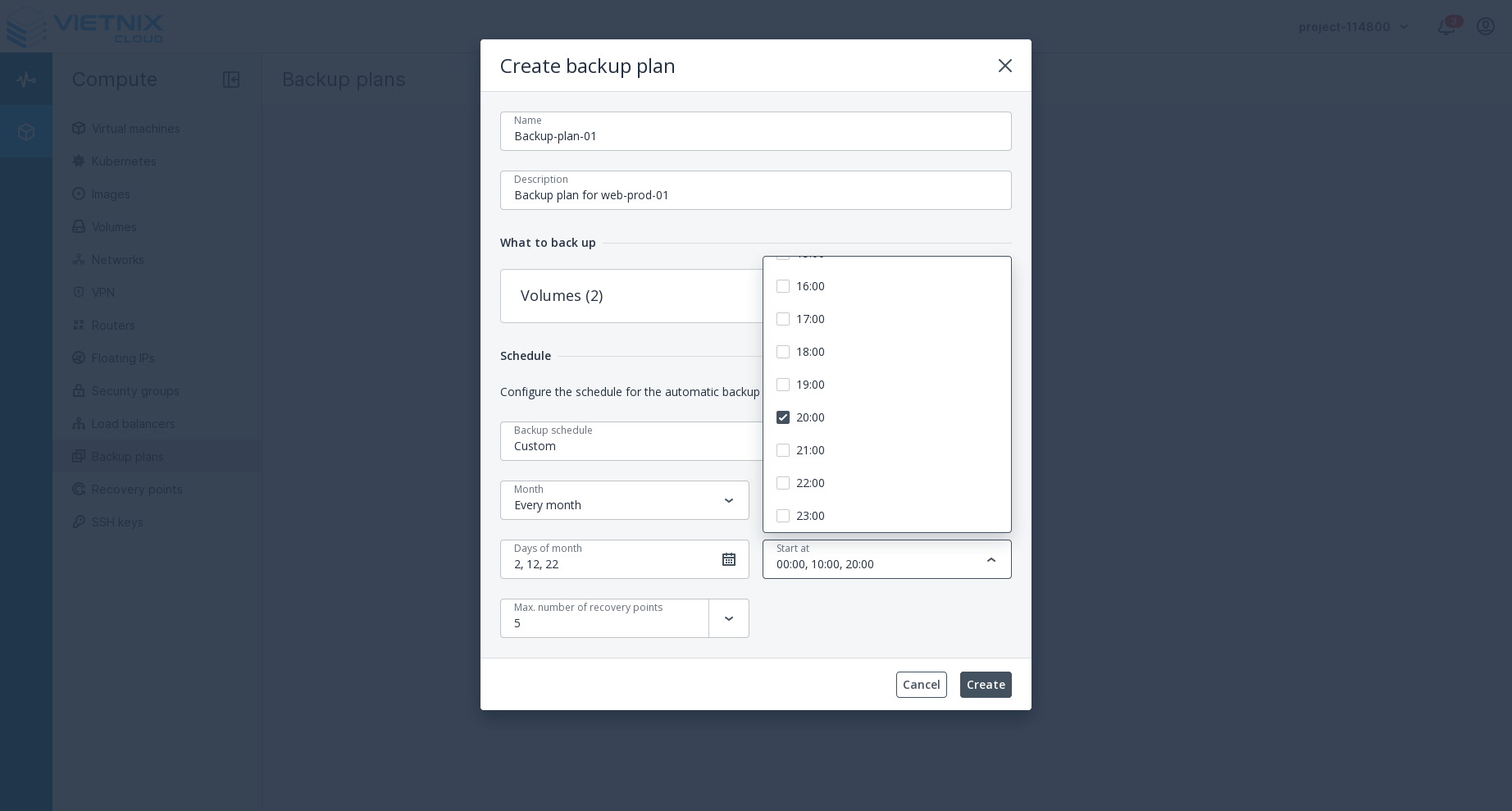 Tip
TipYou can select multiple months, days of weeks, and days of month, and time of day to create a more flexible backup schedule.
- Numbers of Backups: Enter the number of backups you want to keep
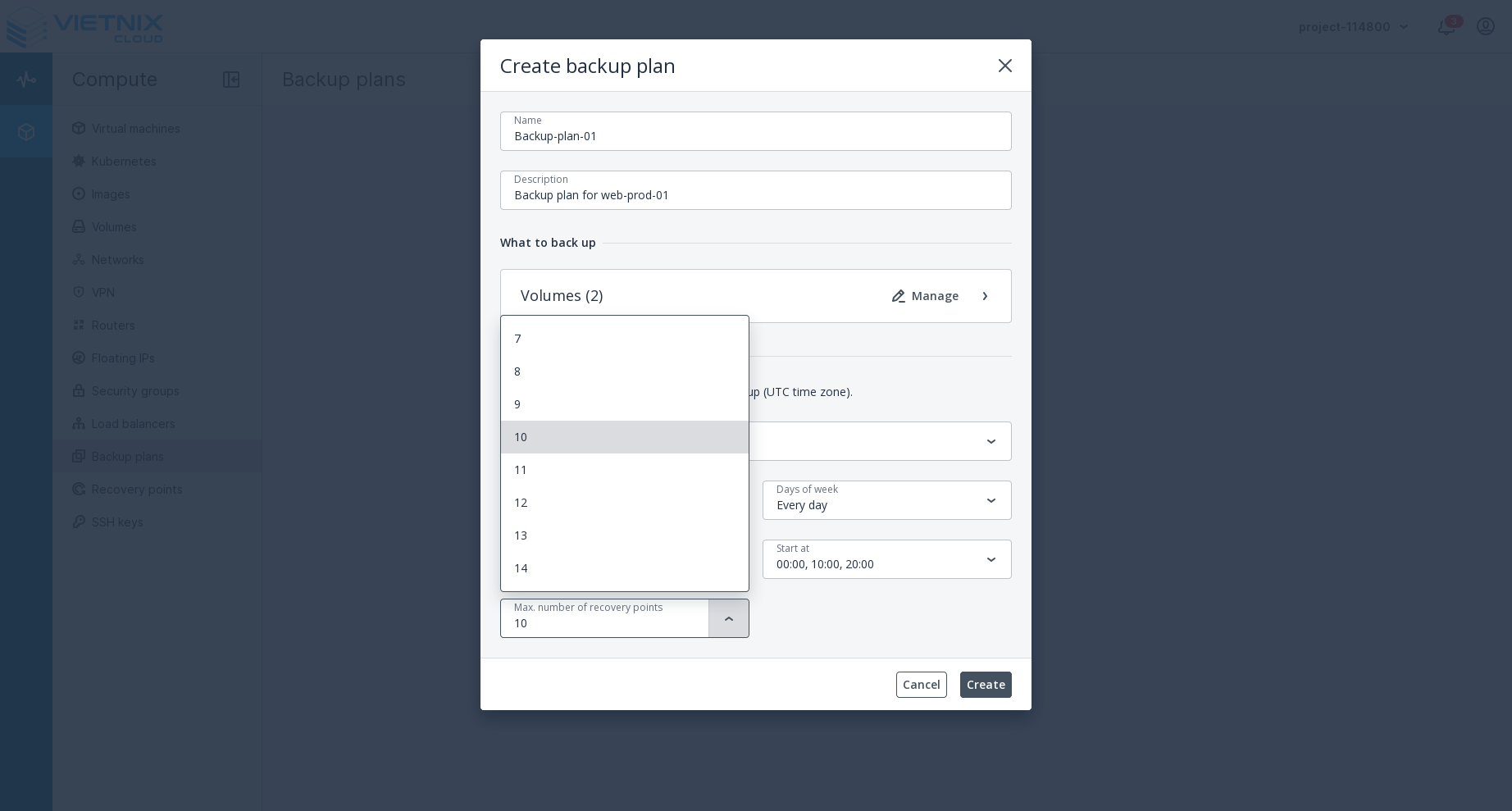
- Backup Schedule: Choose your backup schedule
- After filling in all the details, click the Create button to create the backup
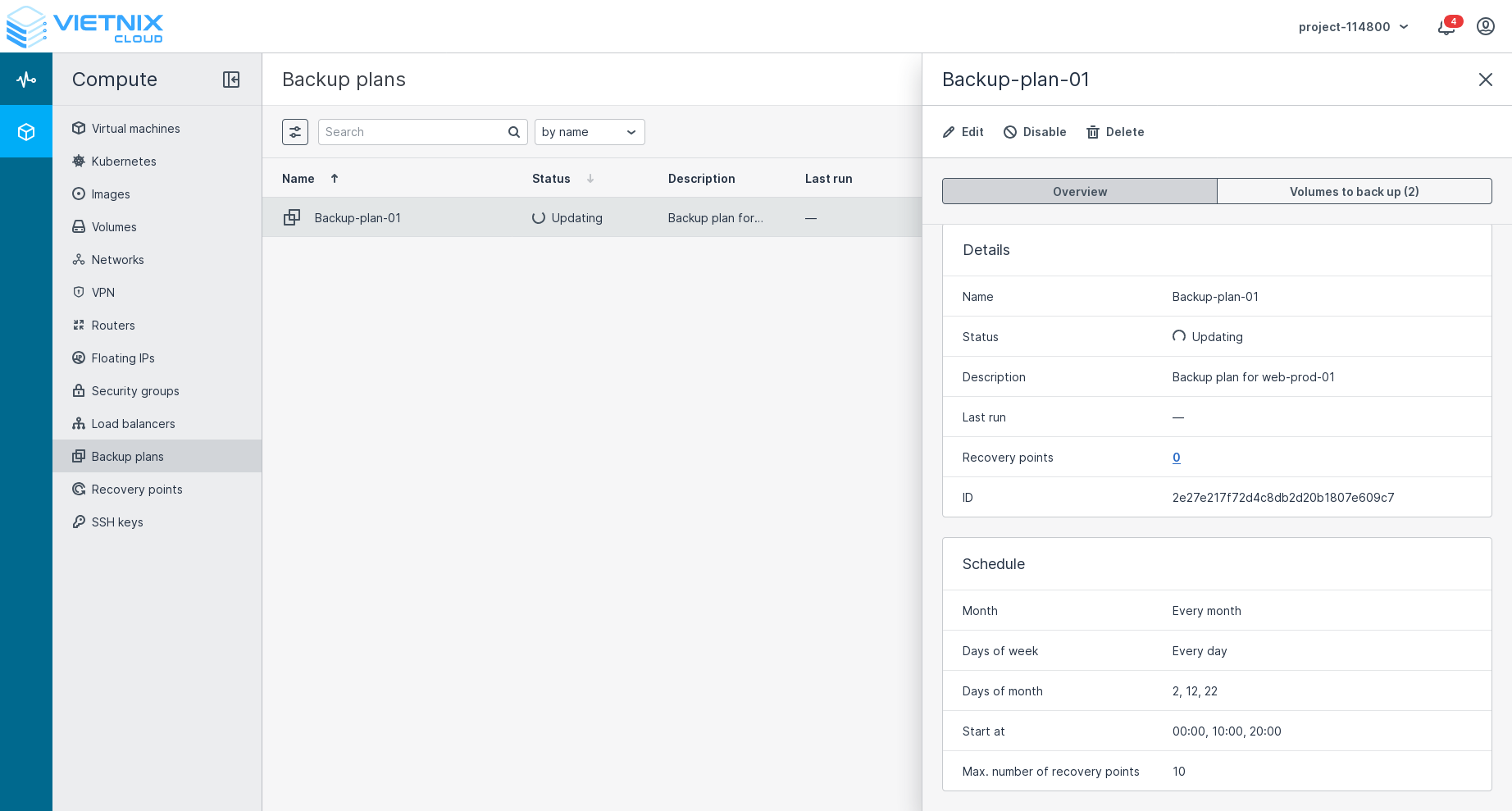
Only one backup plan can be active at a time for a volume. If you create a new backup plan you can not choose the volume that already has an active backup plan.
When purchasing backups, you must factor in storage capacity requirements.
For example, if you want to back up 6 copies, you must purchase a backup for 7 copies, so that when a new copy is created, the system will delete the old one.
You can edit, disable, or delete the backup plan at any time
After creating a backup, you can recover your volume/ instance from the backup.